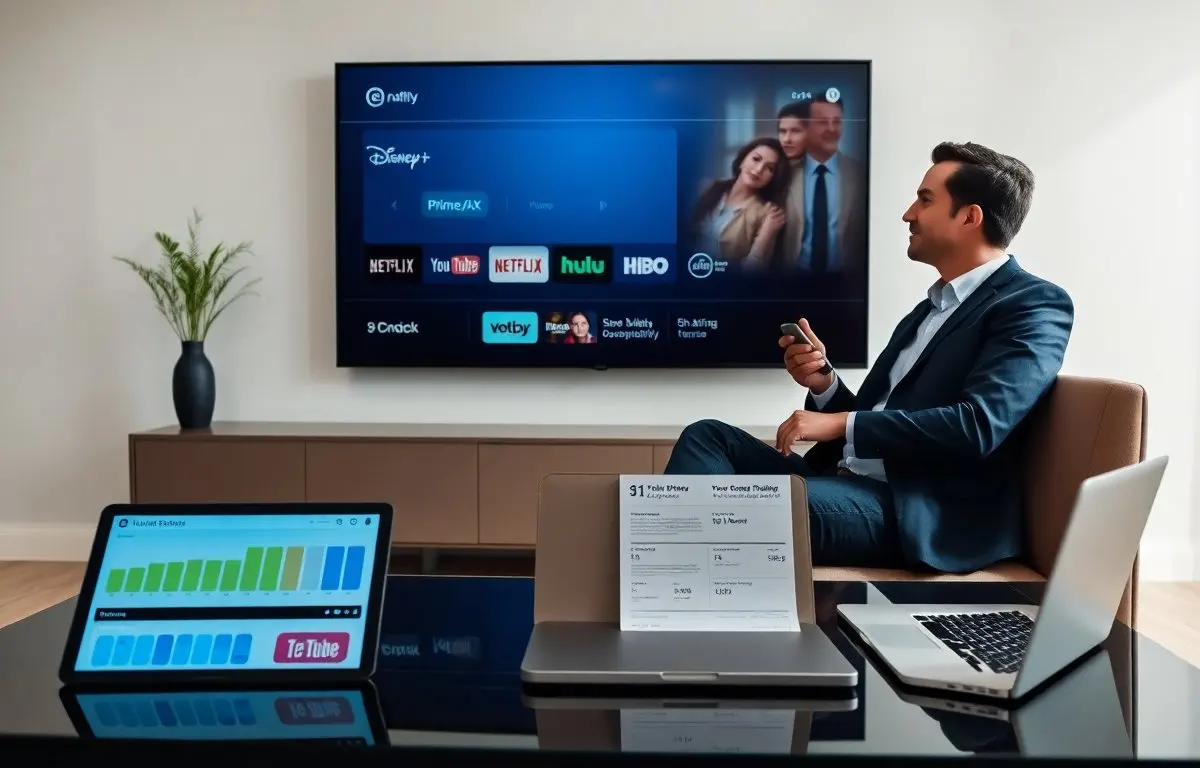
Essential streaming services shape how people watch shows and movies in 2026. This guide lists the main services, shows typical costs, and explains what users can expect. It helps readers weigh options and pick services that match their budgets and devices. The guide uses clear comparisons and practical examples so readers can decide quickly and with confidence. Use this as a practical reference for evaluating essential streaming services and building a setup that fits your viewing habits.
Key Takeaways
- Essential streaming services in 2026 offer varied price tiers from basic ad-supported plans to premium ad-free options with live sports and 4K.
- Users should prioritize budget, content preferences, device compatibility, and extra features like offline downloads and simultaneous streams when choosing streaming services.
- Trial periods are valuable for testing video quality, user interface, and content freshness before subscribing.
- Popular services like Netflix, Disney+, Hulu, and Amazon Prime Video cater to different audiences, from binge-watchers to families and shoppers seeking bundled benefits.
- Combining catalog-focused streaming platforms with low-cost live TV options helps viewers balance content variety and cost effectively.
- Regularly updating watchlists and rotating subscriptions allows users to access exclusive content while managing overall streaming expenses.
Why Streaming Services Still Matter — Trends, Costs, And What To Expect In 2026
Streaming services remain central to home entertainment in 2026. They replace many cable bundles and they offer on-demand libraries. Providers continue to add original shows and sports rights to attract subscribers. Companies adjust price tiers and ad options to balance revenue and subscriber growth.
Average monthly costs vary. Basic ad-supported plans start near $3.99. Mid-tier plans range from $7.99 to $12.99. Premium, ad-free plans range from $14.99 to $19.99 or more when live sports or 4K are included. Users can mix services or choose an aggregator bundle to lower total cost. Beyond sticker price, viewers should account for periodic add-ons (premium channel passes, event pay-per-view) and hardware upgrades when evaluating total cost of ownership.
Device support grew. Most smart TVs, phones, and streaming sticks run major apps natively. Services now support profiles, downloads, and HDR streams. Live TV over internet gained traction. Sports packages and local channels appear on more platforms. For households with multiple viewers, simultaneous-stream limits and profile management are now standard features to look for when choosing essential streaming services.
Content strategies shifted. Some services focus on catalog depth. Others focus on new originals. A few focus on niche audiences with curated libraries. Users should expect steady churn of titles as licensing deals start and end. New services may enter the market but larger platforms keep the most expensive exclusive rights. That means savvy viewers will mix a broad-catalog service for backlist content with a niche or original-focused service to capture current exclusives.
Privacy and ad tech changed. Platforms give clearer ad choices and some offer data controls. Users will see more interactive ads and short-form extras tied to shows. Tech advances cut streaming latency and improve adaptive bitrate on slow networks. Expect continued improvements in personalization—recommendations will better reflect household viewing patterns—and in accessibility features like multi-language subtitles and audio descriptions.
Other trends to watch: bundling and aggregation services that collect multiple subscriptions into a single bill, more flexible month-to-month pricing, and growing support for cloud DVR and time-shifted viewing. For people deciding among essential streaming services, the market is mature but still evolving; planning for short-term rotation of services can be an effective cost-management strategy.
How To Choose The Right Streaming Services For You
They should list priorities before they subscribe. People should check budget, must-watch shows, and devices first. They should note which services carry favorite franchises and which offer live events. Writing down a ranked list of “must-have” versus “nice-to-have” features makes trade-offs clearer.
They should trial services. Most platforms offer short free trials or low-cost months. Trials let people test video quality, interface, and recommendation accuracy. Trials also show how often new content arrives. During a trial, check picture quality on the primary viewing device, test search functionality, and try offline downloads if you travel frequently.
They should compare costs. Users should add monthly fees and factor in occasional add-ons like premium channels or sports packages. They should check for family plans and simultaneous-stream limits. Bundles and annual plans can lower yearly bills. Consider whether a streaming service’s perks (shopping discounts, music, or shipping) offset its subscription fee when part of a broader household subscription strategy.
They should read simple reviews. Users should focus on library size, app stability, and customer support. They should avoid long technical reviews and favor clear pros and cons that match their needs. Community feedback—forum threads, social media groups, or friends’ recommendations—can be particularly helpful for niche services or sports packages.
They should use a short watchlist. People should add shows they want and then subscribe only to services that host most items on that watchlist. This tactic reduces the need to keep many subscriptions active. Combine that with a rotating schedule: subscribe for a month when a high-priority release drops, then cancel or pause the service afterward.
Practical selection steps: 1) Create a one-page comparison of options using your key criteria, 2) Run overlapping trials for side-by-side testing when possible, and 3) Set calendar reminders to cancel before a trial or promotional period ends. These steps make it easier to test and keep only the essential streaming services that deliver the most value.
Key Selection Criteria: Budget, Content, Device Support, And Extras
Budget matters first. Users should set a monthly cap and stick to it. They should prefer plans with predictable fees and clear trial terms. Also consider annual billing discounts and whether a service’s ecosystem (retailer perks, music, or gaming) provides additional value.
Content matters next. Users should check flagship shows and library depth. They should verify if core series stay long term or rotate frequently. If you follow a particular franchise, confirm release windows and any exclusive streaming periods; a single must-watch series can justify a short-term subscription.
Device support matters. Users should confirm app availability on their TV, phone, and streaming stick. They should test app speed and remote control navigation during trials. For households using multiple device types, test casting, picture-in-picture, and multi-user profiles to ensure a smooth experience for all viewers.
Extras matter last. Users should check for 4K, offline downloads, multiple streams, and parental controls. They should note live sports and local channel options if they need them. Other extras to weigh include cloud DVR, simultaneous live and on-demand playback, bundled music, and kid-friendly interfaces.
Users should score each service on these criteria. A simple 1–5 rating per category helps them rank services and pick the best fit. Keep a shortlist of two to three essential streaming services that together cover must-have content and features, then rotate access to less-frequented services as needed.
Top Essential Streaming Services To Consider (Quick Comparison And Use Cases)
Netflix suits viewers who want a steady stream of originals and a deep catalog. It offers multiple plans and strong device support. It works well for binge viewers who value original dramas and comedies. If you watch a lot of serialized shows, Netflix’s recommendation engine and strong back catalog make it a central catalog service in many households.
Disney+ suits families and fans of franchise content. It hosts large catalogs from Disney, Pixar, Marvel, Star Wars, and National Geographic. It offers bundle discounts with related services for those who want broad family content. Disney+ is an efficient single-subscription choice for parents who want reliable kids’ programming and for franchise fans tracking new releases.
Hulu suits viewers who want next-day TV and a mix of originals and licensed shows. It offers ad-supported and ad-free tiers and optional live TV. It fits cord-cutters who want current network shows without a cable box. Hulu’s combination of recent episodes and originals can replace the need for both a traditional broadcast subscription and a separate on-demand catalog.
Amazon Prime Video suits shoppers who want an all-in-one membership. It includes shipping benefits, a large catalog, and optional channel add-ons. It works for users who value bundled services and occasional exclusive films. Prime Video’s channel add-ons let viewers tailor the service with premium networks without a second billing relationship for every add-on.
HBO Max (now under a rebranded name at some providers) suits viewers who want prestige dramas and new film releases. It offers high-quality originals and curated catalogs. It fits users who value cinematic releases and adult-focused series. Subscribers who prize award-winning series and higher production values often keep this as a core service.
YouTube Premium suits viewers who want ad-free short-form video and background play. It also includes YouTube Music. It fits mobile-first users who watch a lot of creator-made content. For commuters and people who consume lots of ad-supported clips daily, removing ads and enabling offline playback can be a meaningful convenience.
Peacock and Paramount+ suit cost-conscious viewers who want sports, classic shows, and a mix of new originals. They offer lower-priced ad plans with optional upgrades. They fit people who want specific live sports or legacy series. These services are often the economical way to keep up with particular franchises or regional sports packages without a large bundle.
Philo and Sling suit viewers who want lower-cost live TV packages. Philo drops sports to keep prices low. Sling offers flexible channel add-ons. Both work for cord-cutters who want select live channels without full cable. For households that watch a limited set of live channels, these services reduce monthly fees while preserving linear-style viewing.
How to combine them: pair one or two catalog-heavy services (for breadth and binge-watching) with a single, low-cost live option if you watch sports or news. Rotate niche subscriptions around new release schedules to catch exclusives without paying year-round. Use a simple spreadsheet or subscription app to track renewal dates and promotional discounts to avoid unexpected charges.
Quick use-case examples: a family might choose Disney+ plus Netflix for a mix of kids’ content and adult dramas; a busy professional who travels might favor YouTube Premium and a single catalog service with strong offline support; a cord-cutter who follows live sports might pick Hulu with Live TV or Sling with targeted sports add-ons. Ultimately, the best mix of essential streaming services depends on the shows you prioritize, the devices you use, and the monthly budget you set.