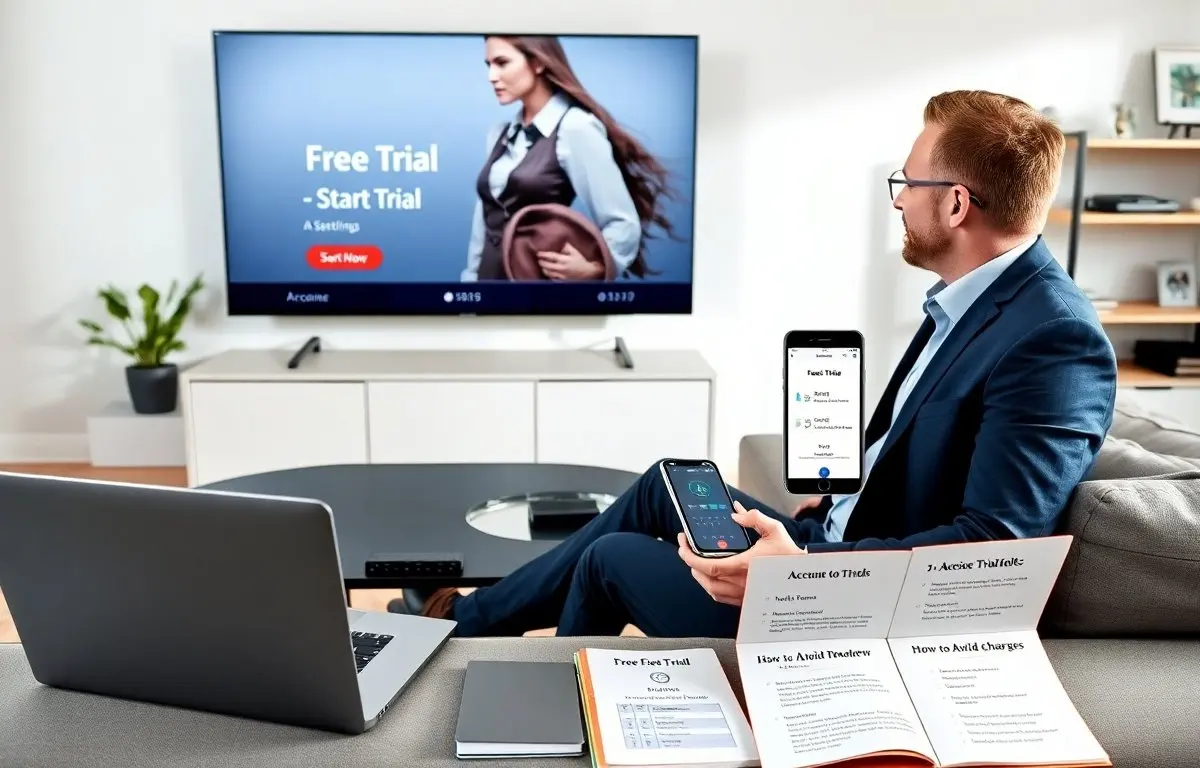
Free trial streaming TV helps a user test services before they pay. This article explains how free trial streaming TV works, what terms matter, and how to avoid unexpected charges. It walks through common contract terms, practical comparison points, and a step-by-step sign-up and cancellation routine you can use the same day. Read it for concrete actions, checklists, and troubleshooting tips that make trials low-risk and useful for discovering whether a service fits your viewing habits.
Key Takeaways
- Free trial streaming TV lets users test services risk-free by offering temporary access, but many trials require a payment method and will auto-renew unless cancelled.
- Understanding terms like trial length, auto-renewal, introductory pricing, device limits, and regional restrictions reduces the chance of surprise charges or missing content.
- Compare free trial streaming TV offers by the shows and channels you want, device compatibility, simultaneous-stream limits, and whether downloads or 4K are included.
- When possible, sign up with a new email, set a reminder before the trial ends, and immediately test playback, casting, and downloads on each device you plan to use.
- Cancel subscriptions at least 24 hours before the trial expires and keep confirmation records (screenshots or emails) to prevent unwanted charges and simplify disputes.
- Manage multiple free trials by staggering start dates, tracking start/end dates and renewal prices, and using one payment method per trial to make refunds or disputes easier to handle.
How Free Trials Work And Common Terms To Watch
Free trial streaming TV gives a user temporary access to a service without immediately paying. Providers typically grant access for a specified window (for example, a few days to a month) so you can evaluate the catalog, streaming quality, and apps. Most providers require you to create an account and often ask for a payment method at sign-up so the subscription can continue automatically when the trial ends unless you cancel.
Key terms to read carefully before you sign up include:
- Trial length: The exact start and end dates of the free period; note whether the trial ends at midnight on the final day or at the time you signed up.
- Auto-renew: Whether the subscription switches to a paid plan automatically; check how far in advance you will be billed and what the renewal price is.
- Introductory price: Some services advertise a low first-month price after the trial that increases later; know the regular rate and any time-limited discounts.
- Bundled offers: Trials sometimes come as part of another product (mobile plans, internet bundles); check whether the bundle imposes a longer commitment or different cancellation rules.
- Regional restrictions: Content libraries vary by country; a show available during the trial in one region may be unavailable elsewhere, and sporting events or live local channels often have geographic limits.
- Device limits and streams: Confirm how many simultaneous streams are allowed and whether features like 4K, HDR, or offline downloads are restricted to paid tiers.
- Promotional credits and vouchers: If a trial uses credits or codes, confirm expiration dates and whether the credit covers add-ons or premium channels.
Also watch for common provider behaviors that affect trials: some services may change trial lengths for promotions, temporarily disable certain features on trial accounts, or require an app-store subscription flow that must be cancelled through that app store rather than the service website. Reading the small print and saving screenshots of the trial terms can save time if you later need a refund or to prove cancellation.
Best Places To Find Free Trial Streaming TV Offers (Quick Comparison)
Major streaming platforms, specialist services, and live-TV bundles commonly offer free trial streaming TV options. Instead of focusing on brand names, look at categories and what each category tends to include so you can match a trial to your viewing goals.
Network-based services: These emphasize live channels, local news, and sports; they are helpful if you want real-time broadcasts and local affiliates. Typical trials vary, but these services usually show whether local station access or regional sports packages are included.
On-demand services: These focus on series, films, and original content. Use trials for binge-checking exclusives and catalog depth. If you are evaluating a library for long-form watching, confirm that new episodes or seasons are available during the trial and not delayed behind a paid tier.
Live TV bundles: These combine live channels with on-demand libraries and are useful for viewers who want both news and sports in one plan. Trials for live bundles are often shorter; prioritize testing live channel stability and channel lineups important to you.
Niche and specialty services: These include genre-specific offerings (animation, fitness, foreign-language content, etc.). Trials here are especially useful to verify language options, subtitle availability, and whether your niche content is extensive enough to justify a subscription.
Quick comparison checklist when evaluating free trial streaming TV offers:
- List your must-watch shows, teams, or genres and use that list to test each trial.
- Confirm device support (smart TV models, streaming sticks, game consoles, mobile apps) and whether casting or AirPlay works during the trial.
- Check simultaneous-stream limits if multiple household members will watch at once.
- Verify whether offline downloads are enabled on trial accounts and whether download quality (SD/HD/4K) matches your expectations.
- Note any add-on channels or premium packages that require extra fees and whether the trial includes them.
- Match trial length to your needs—short trials are good for quick checks (sports events, single-season binges), longer trials let you evaluate release schedules and library breadth.
Using this approach helps you avoid signing up for a trial that technically includes a show you want but restricts it behind an extra-cost add-on or omits it in your country.
How To Sign Up, Maximize The Free Trial, And Avoid Unexpected Charges
Follow a simple routine when you sign up so the free trial streaming TV period delivers the most value and the least risk:
- Create or use a dedicated email account to keep trial-related messages in one place and make it easier to identify reminder emails.
- Read the trial terms (trial length, renewal price, cancellation method) before entering payment information; take screenshots of the terms and the confirmation screen after sign-up.
- Set calendar reminders for two checkpoints: one day before the trial ends (to cancel if you choose) and the final day (to confirm the subscription status).
On day one of the trial, test the following immediately to avoid surprises later:
- Playback on each device you plan to use (smart TV, phone, tablet, streaming stick, game console).
- Casting and AirPlay functionality, if applicable.
- Download availability and playback in airplane or offline mode if you travel frequently.
- Profile and parental control settings so you can gauge what family members will see and whether profiles sync across devices.
To avoid unexpected charges:
- Use a payment method that is easy to monitor, such as a virtual card with a controlled limit or a prepaid card; this can reduce the impact of accidental renewals and makes disputes simpler to manage.
- If you sign up through an app store, remember cancellations often must happen through that app store (not the service website).
- Cancel at least 24 hours before the trial end to allow for processing time; note that some services require cancellation on the website, while others allow in-app cancellation—save a confirmation screenshot or email.
If you spot an unexpected charge, follow this escalation path:
- Contact the service’s customer support first and provide account details, trial start date, and cancellation proof (screenshots or confirmation numbers).
- If the service declines a refund, contact your payment provider to dispute the charge and provide the same documentation; many card issuers and payment platforms have clear dispute processes.
- Keep all correspondence and confirmations until the issue is resolved and the refund posts to your account.
Practical sign-up tips: start trials when you have free time to actually watch and evaluate content, stagger multiple trials so end dates don’t overlap, and prioritize testing features you care about most (live sports, offline downloads, multiple profiles). These small steps turn free trial streaming TV from a risky automatic charge into a valuable evaluation tool.
Practical Tips For Cancelling, Pausing, And Managing Multiple Trials
Cancel at least 24 hours before the end date and follow the provider’s documented cancellation path—inside the service’s account settings, through the app store, or via the original purchase flow. After cancelling, confirm the account status shows “cancelled” or “inactive” and save the confirmation screen or email as proof.
If a service offers a pause option, consider pausing instead of cancelling only when you expect to resume soon; pausing preserves your account settings and watch history in many cases but may not stop billing on all platforms.
When managing multiple trials:
- Stagger start dates so you can evaluate services sequentially rather than juggling several overlap periods.
- Keep a simple tracker (spreadsheet or notes app) with the service name, start date, trial length, renewal price, cancellation steps, and payment method used.
- Prefer one payment method per trial to simplify disputes and to avoid mixing refunds across cards or wallets.
If you find an unexpected charge, contact the service first, provide proof of trial and cancellation, and request a refund. If that fails, escalate to the payment provider with the same documentation. Keep records until the refund settles and check your card or bank statements to ensure the amount posts back.
Finally, keep the process simple: test one or two services at a time, document each trial clearly, and set reminders. That approach preserves the benefits of free trial streaming TV—discovering what you actually want—without creating billing headaches.