If you are asking whats a watch party: it is people watching a movie or show together, in the same home or in different locations. Online, each participant may still need their own streaming subscription.
Choosing the best streaming service for your group matters here, because the service decides which watch party tools you can use. For background on how streaming got to this point, see From Dial-Up To Dominance: The Complete History Of Streaming Services (2026 Snapshot).
How a watch party works
A watch party pairs a shared video with a way for the group to react to it. US Dish describes it as watching a movie or show together either in the same home or in different locations. For remote groups, the difference between tools comes down to how the video reaches each person.
- Synchronized playback. A tool such as Teleparty keeps playback in step for everyone and adds group chat. Teleparty, formerly Netflix Party, lists synchronized playback, group chat and emoji reactions on its official site, with premium features listed separately. This suits groups whose members all hold a subscription to the same service.
- Screen sharing. With Zoom, you queue the video, start a meeting and share your screen, as Cambridge Dictionary’s example describes. Others simply join the call. This suits mixed groups, because only the host needs access to the title.
The practical rule: pick sync tools when everyone can stream the title themselves, and screen sharing when they cannot. Next comes how the main options compare.
Platforms and what they support
Dedicated watch party tools are tied to particular services and browsers, so check compatibility before you send invitations.
| Option | Content it works with | Where it runs | Limits and extras | Planning use |
|---|---|---|---|---|
| Teleparty | Netflix, Disney Plus, Hulu, HBO Max and Amazon Prime | Chrome, Edge and Safari browsers | Synchronized playback, group chat, emoji reactions; premium features listed separately | Best when every guest has a subscription to the same listed service and a supported browser |
| Prime Video Watch Party | Prime Video titles; Prime Video Channels and live events cannot be streamed this way | Fire TV devices, desktop or laptop computers, and mobile devices that can install the Prime Video app; not Internet Explorer or Safari | A host and up to 100 friends; needs an Amazon Prime or Prime Video subscription to start or join | Best for larger groups already inside the Prime Video ecosystem, including on a TV through Fire TV |
Figures and feature lists come from Teleparty’s official site and Android Police’s guide to Prime Video Watch Party.
Zoom and Google Meet sit outside this table because they do not tie you to a streaming service. US Dish calls them more manual but flexible, and describes Discord as ideal for screen sharing and voice chat. Choose them when guests use different services, and accept that you will set up playback yourself.
What it costs
US Dish notes that most platforms are free to use, but each participant may need a subscription to the streaming service. The real expense is therefore the service access guests already hold, not the watch party tool. If a few guests lack the right subscription, compare options in Cheapest Live Streaming TV: How To Cut Costs Without Losing Channels In 2026 before you choose a title.
Hosting a watch party step by step
Hosting is mostly preparation: confirm what each person can stream, pick the tool that matches, then share one link or invitation.
- Confirm access. Ask every guest which services they have and whether they use a supported browser or device.
- Pick the title and tool. Match them using the table above, or fall back to screen sharing if access differs.
- Set up the party. Follow the steps for your platform below.
- Share the invitation. Send the link or meeting details, plus the start time and any chat ground rules.
- Test before guests arrive. Open the title, check sound and confirm the chat works.
Teleparty
According to Teleparty, you install the extension, pin it to the browser toolbar, open a video, click the red Tp icon and choose Start Party. Then share the party URL so friends can join and watch together.
Prime Video Watch Party
Per Android Police, you open the title’s info menu, click the Watch Party option, which uses a celebrate icon, enter a host name and create the party. Because Safari is not supported for hosting or joining, switch browsers before you start if that is your default.
Zoom
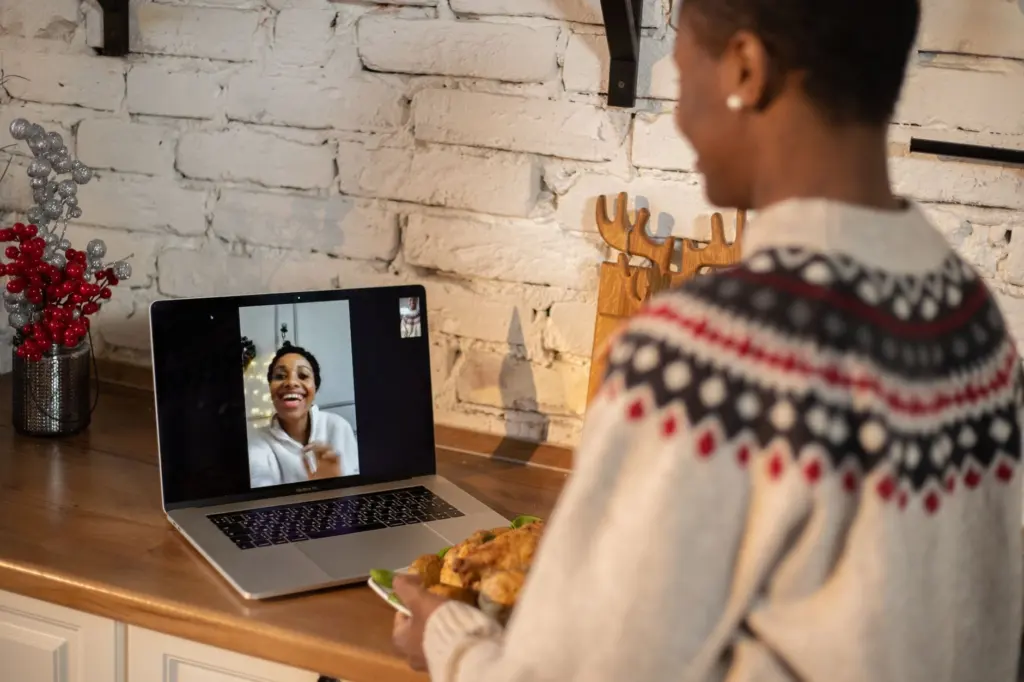
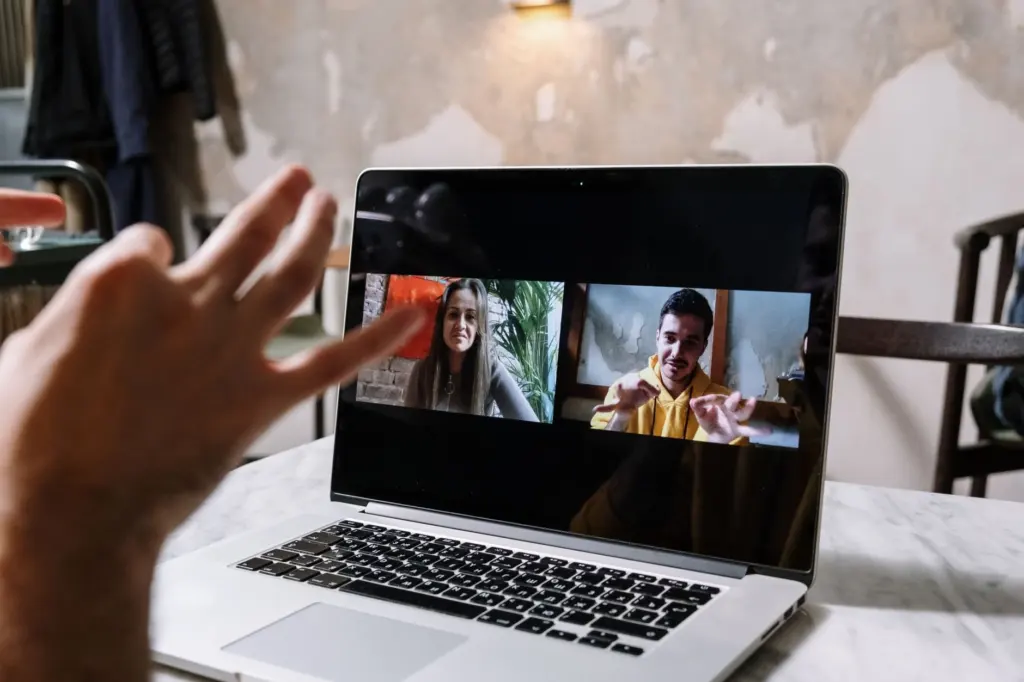
Queue up the video, start a Zoom meeting, use the screen share feature to play the movie and invite others to join the call, as US Dish outlines. Starting the video before you share your screen means guests are not left watching a loading page.
Joining a watch party
Joining is simpler than hosting, but it depends on having the right access before the start time. Use this checklist as a guest:
- Check your subscription. Prime Video Watch Party requires an Amazon Prime or Prime Video subscription to start or join, and other sync tools generally expect you to hold access to the service yourself.
- Use a supported browser. Teleparty lists Chrome, Edge and Safari, while Prime Video Watch Party does not work in Internet Explorer or Safari.
- Open the host’s link. On Teleparty the host shares a party URL, and for a Zoom party you join the call.
- Settle in before the start. Adjust volume and make sure chat is visible so you do not disturb the group after playback begins.
Etiquette for hosts and guests
Good manners keep a shared viewing enjoyable, particularly when guests react in text or by voice. These are recommendations for a smooth session, not platform rules.
- Mute your microphone. On voice or video calls, stay muted unless the host invites open discussion, so sound from the title stays clear.
- Protect spoilers. Keep comments about later plot points out of the chat until the group has finished.
- Keep chat short in key scenes. Save longer comments for natural breaks so people can follow the action.
- Ask before posting links. Check with the host before adding links or media to a shared chat.
- Agree a fallback. If a sync tool fails, switch to a group call with screen sharing, which does not depend on a particular service or browser extension.
A host who states these expectations in the invitation rarely has to moderate during the film.
Frequently asked questions
Do all guests need their own subscription?
Often yes for sync tools, since each participant may need a subscription to the streaming service. Screen sharing on Zoom is the exception, because the host plays the video for the call.
Can guests in different countries join a Prime Video Watch Party?
Only in limited cases. Because of licensing restrictions, cross-border Watch Parties are mostly available for Amazon Original content.
Which streaming services does Teleparty support?
Teleparty lists Netflix, Disney Plus, Hulu, HBO Max and Amazon Prime on its official site.
Is Discord suitable for a watch party?
Yes, particularly if the group wants screen sharing and voice chat, which US Dish describes as Discord’s strength.